
News
ReactOS Attempt
ReactOS Attempt
I recently just learned of ReactOS, a Free and Open Source Operating System that has been in the works for over 20 years and aims to be able to natively run Windows programs and drivers. It’s still feature-incomplete alpha software, but I thought it could be a good way of running ham radio programs made for Windows so I gave it a try in Virtualbox and tried to install Winlink.
TLDR:
Winlink loads but I can’t seem to be able to configure it. Here’s what I’ve done so far and where it fails. If anyone else is interested in tinkering with this, let me know if you manage to get passed any of these issues…
Download ReactOS
- First step: Downloaded the BootCD (not LiveCD) of ReactOS 0.4.13 and save it.
Virtualbox
I used Virtualbox 6.1 under LinuxMint 20 XFCE.
-
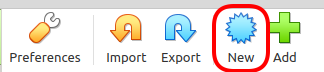
Create a new machine. /
-
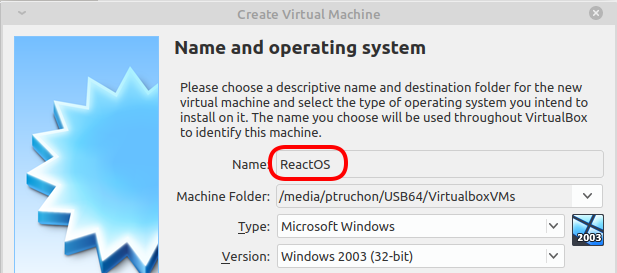
Name it “ReactOS” and the version will pre-populate to “Windows 2003 (32-bit)” on its own. /
-
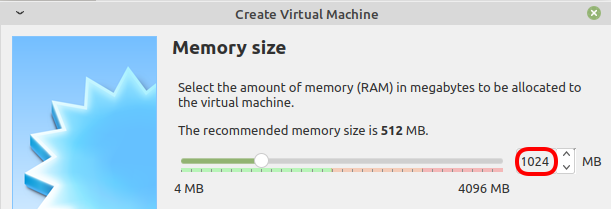
I doubled the RAM to 1024MB /
-
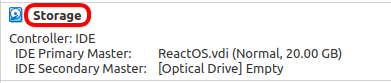
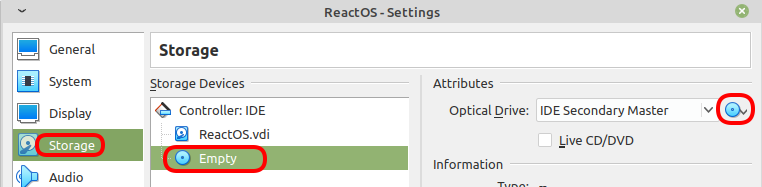
To load the “install CD”, click on the word “Storage”: /
-
Select “Empty” and click on the CD icon.
-
Navigate to the file
ReactOS-0.4.13.isoand you should see: /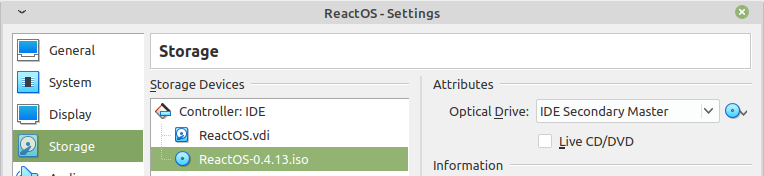
-
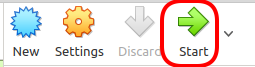
Back to the first screen, you can now start the machine. /
Install ReactOS
-
The install screen will start and you simply press
ENTER. /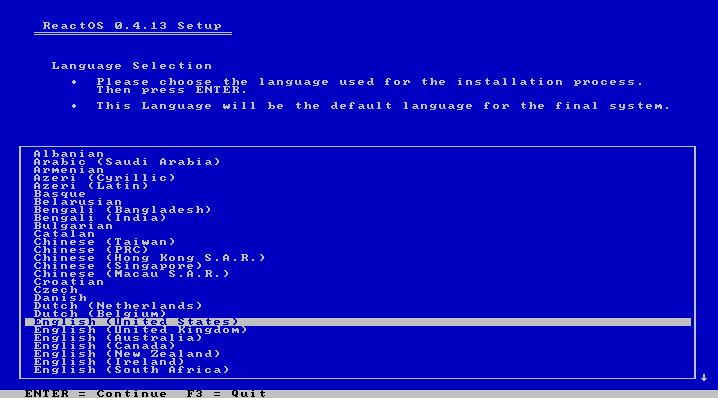
-
In fact, you’ll have to press
ENTERa few times until this next screen, where you need to pressPfirst, and thenENTER: / On version 0.4.15, pressCinstead ofP/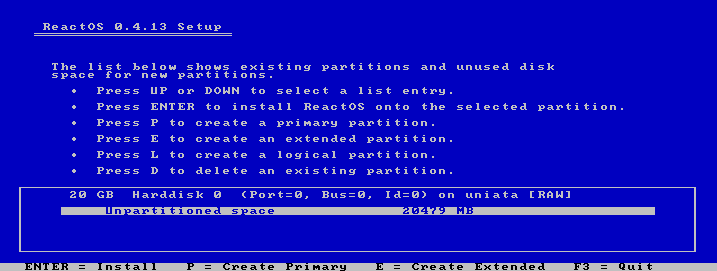
-
ReactOS will show a bunch more screens, simply follow the prompts. It’ll reboot and install more things. Then at some point, it’ll ask to remove the CD. This is done using the CD icon at the bottom of the Virtualbox screen: /

-
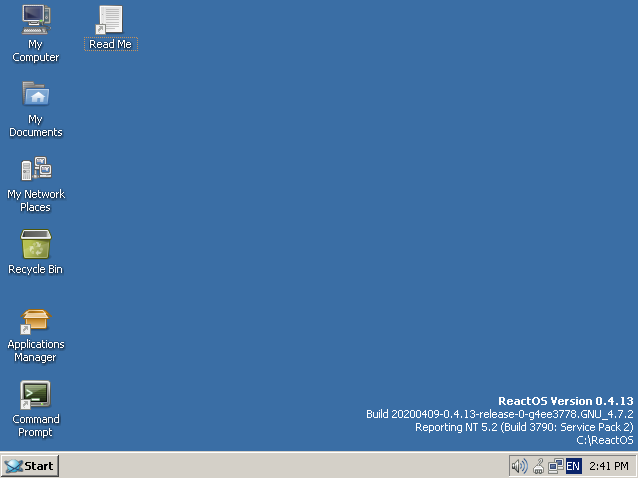
That looks promising! ReactOS has a Windows 2000 look, which I personally prefer to all the other versions of Windows. /
Install Firefox
Now that ReactOS is installed, we’re ready to install some programs.
-
Click on the Applications Manager: /

-
Search for
Firefoxand install version 48. /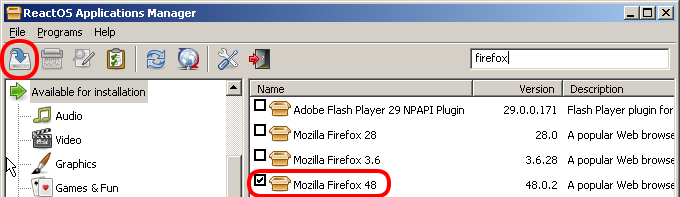
-
Once Firefox is installed, do not let it update; that broke it for me.
-
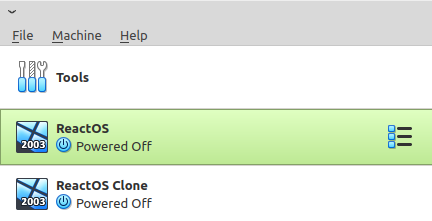
Up to this point, everything works fine, but we’re about to break things so before we continue, let’s create a clone of the Virtualbox install… /
Attempt #1
-
The first thing I tried was to install Winlink Express.
-
It installed but wouldn’t load at all.
Attempt #2
This Winlink with Wine page says to install these in the following sequence:
-
“Microsoft Visual Basic 6 Runtime Service Pack 6”
-
“Microsoft HTML Rendering Engine 8”
-
“Visual C++ 14.0”
I got stuck at step 1…
-
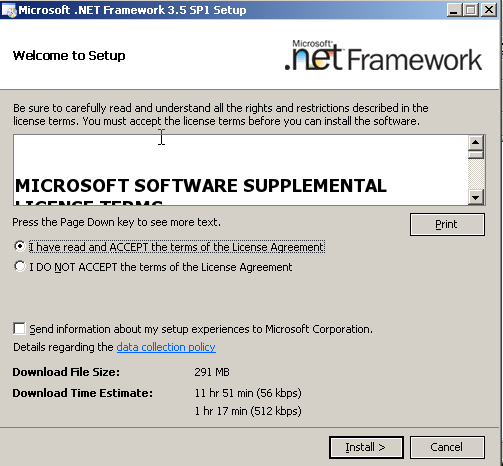
At first, it looked like it was gonna work: /
-
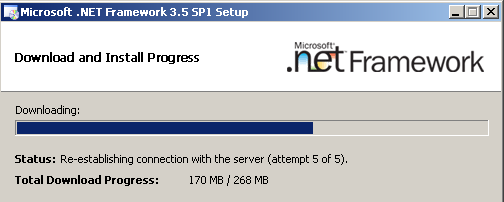
But then it seems it got stuck downloading some components and after a while failed: /
Attempt #3
I deleted the machine and re-cloned the clone I made earlier.
-
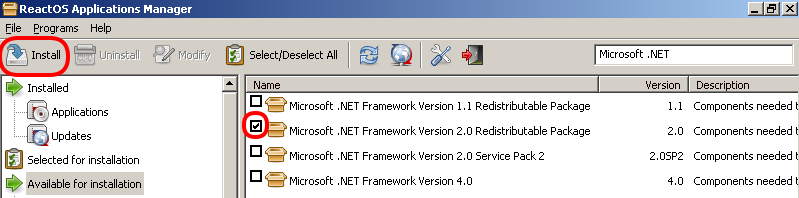
From the Applications Manager, I installed .NET version 2: /
-
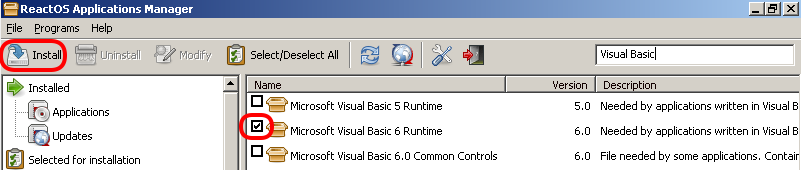
and VB6: /
-
Installed Winlink again, and this time it loaded. It took about 15-20 seconds, but it loaded: /
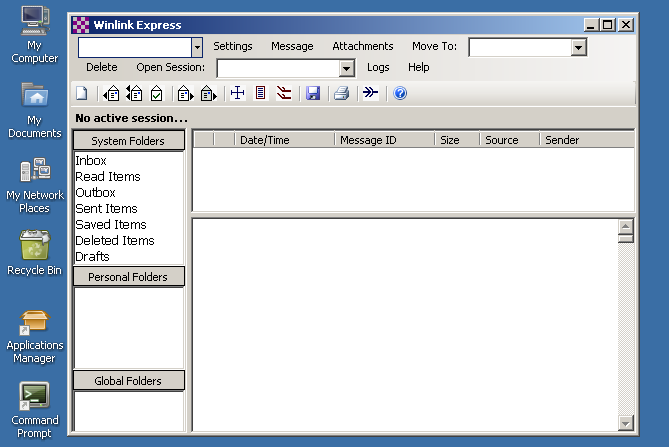
-
But unfortunately, when I go to
Settings→Winlink Express Setup...and fill out the information, it doesn’t “Update”. /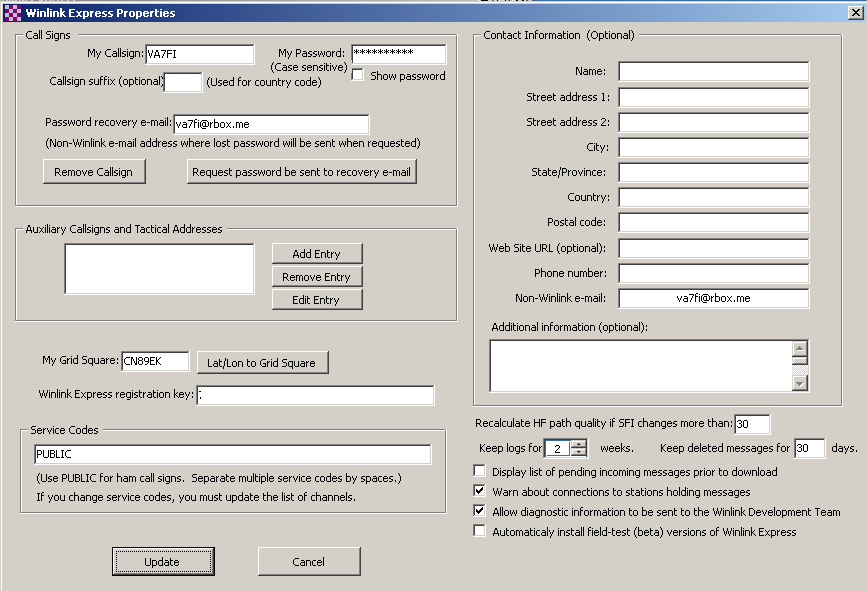
Attempt #4
I tried the same thing as the previous attempt but with .NET version 2 SP2. Same result.
Attempt #5
I tried the same thing as the previous attempt but with .NET version 4 and Winlink wouldn’t even load. / 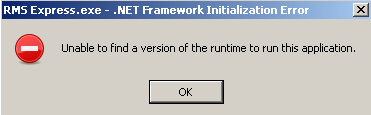
Attempt #6
I tried the same thing as all the previous attempts with the daily version of ReactOS without luck. It looks like they did fix a small bug in Firefox though. / 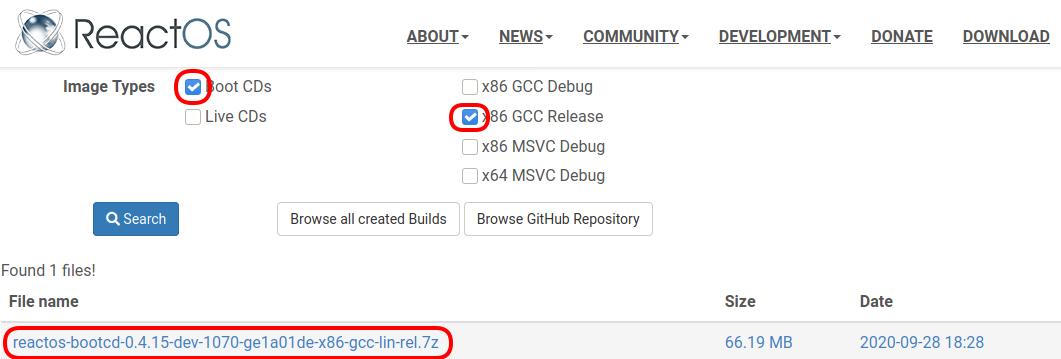
To Be Continued…
… maybe. I don’t really know what else to try so I’ll leave this aside until I think of something else to try. If you have ideas, please let me know! – [email protected] 2020/09/28 10:15