Resources
Quansheng UV-K5 (egzumer Firmware)
Quansheng UV-K5 (egzumer Firmware)
Here are the steps to setup the Quansheng UV-K5 radio with the custom egzumer Firmware, and load VA7FI’s frequency list.
To flash the firmware:
-
Turn off the radio
-
Plug the Baofeng programming cable to the radio and computer.
-
Press and hold the PTT while turning the radio on (the LED will be on and the screen off)
-
Using a Chrome based browser, go to: https://github.com/egzumer/uv-k5-firmware-custom/releases
-
Click on
FLASH WITH A BROWSER -
Click on
Flash firmware -
The LED on the radio will flash while in progress.
To load the frequencies and settings:
-
Turn on the radio and open Chirp
-
Open the UV-K5 img file (
File→Open) -
Edit any of the frequencies you want to change under
Memories -
And edit the
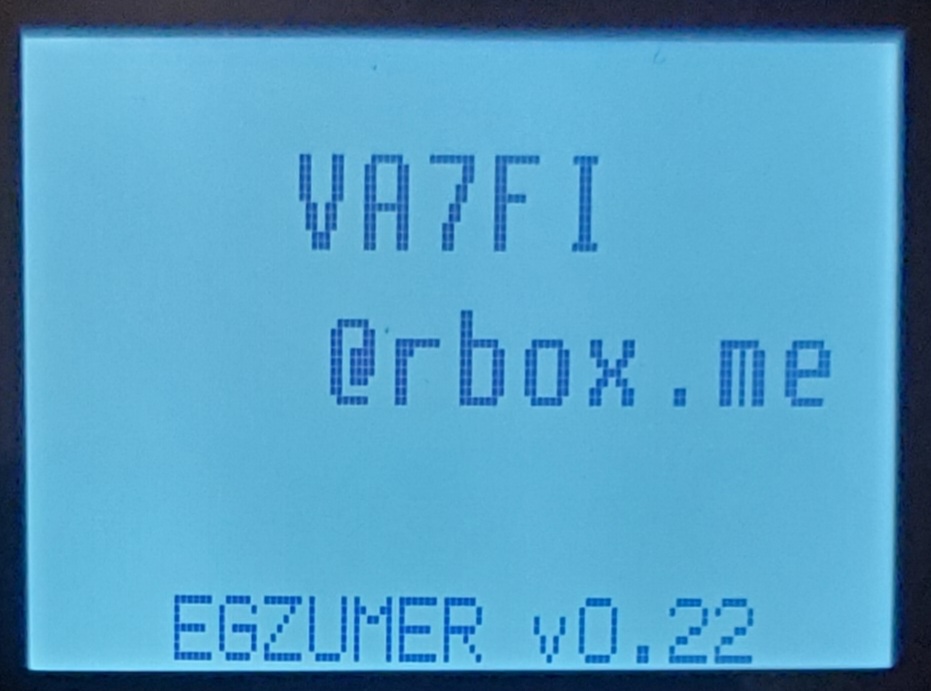
Settings(specially theMessage line 1andMessage line 2): /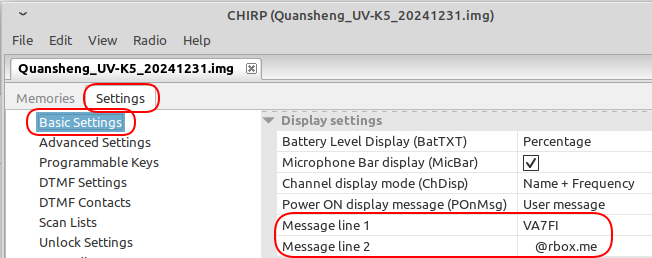
-
Upload the settings to the radio / (
Radio→Upload to Radio→Vendor: Quansheng/Model: UV-K5 (+ OSFW,unsupported,egzumer))
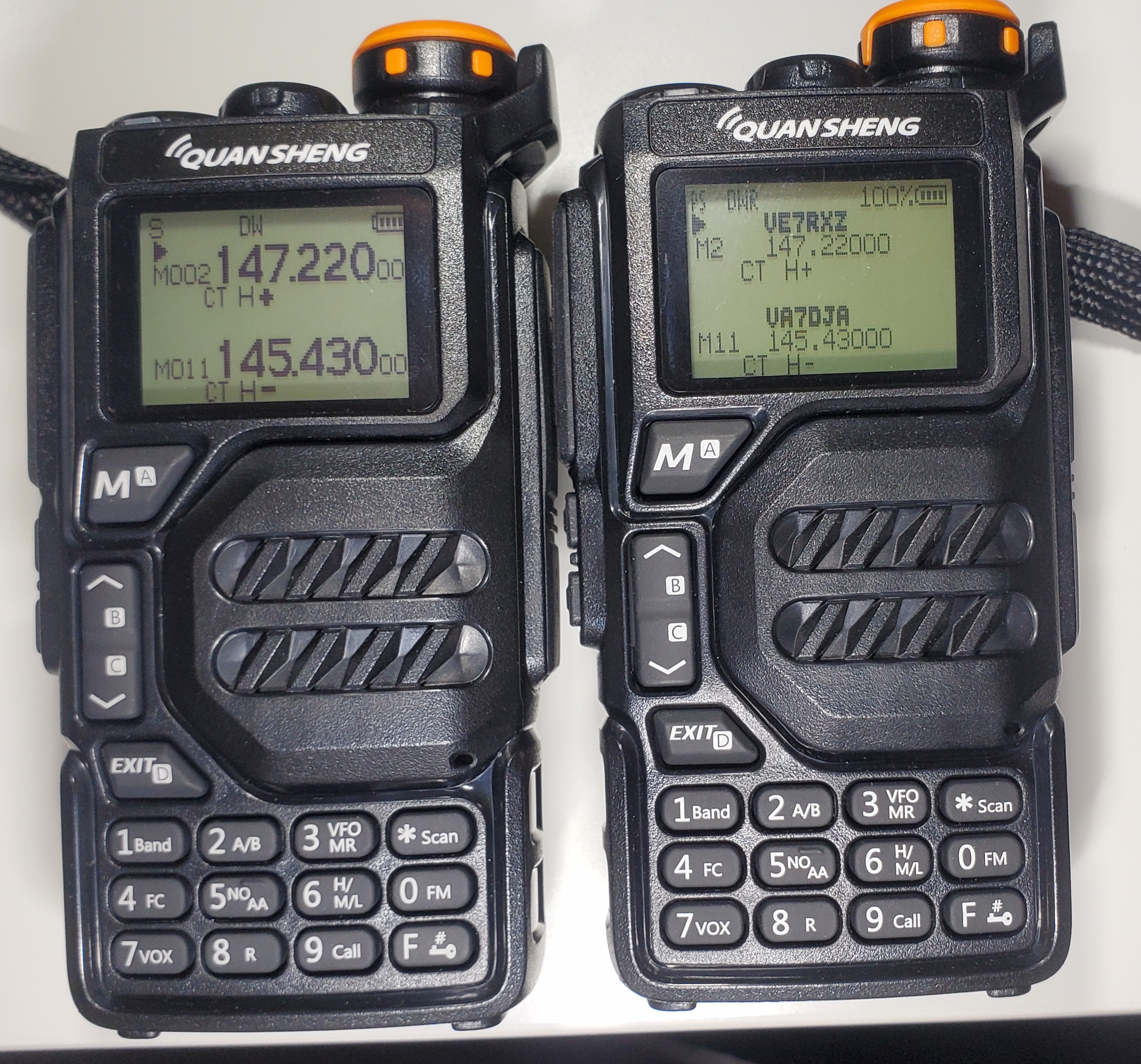
The customer firmware offers a lot more options. Here’s picture of the stock firmware on the left and the customer firmware on the right: